CREATE YOUR FASHION CAMPAIGN IN UNDER 5 MINUTES
No photoshoot. No crew. No studio. Just your product image, AI, and five minutes. Here's exactly how to do it.
Prepare your product image
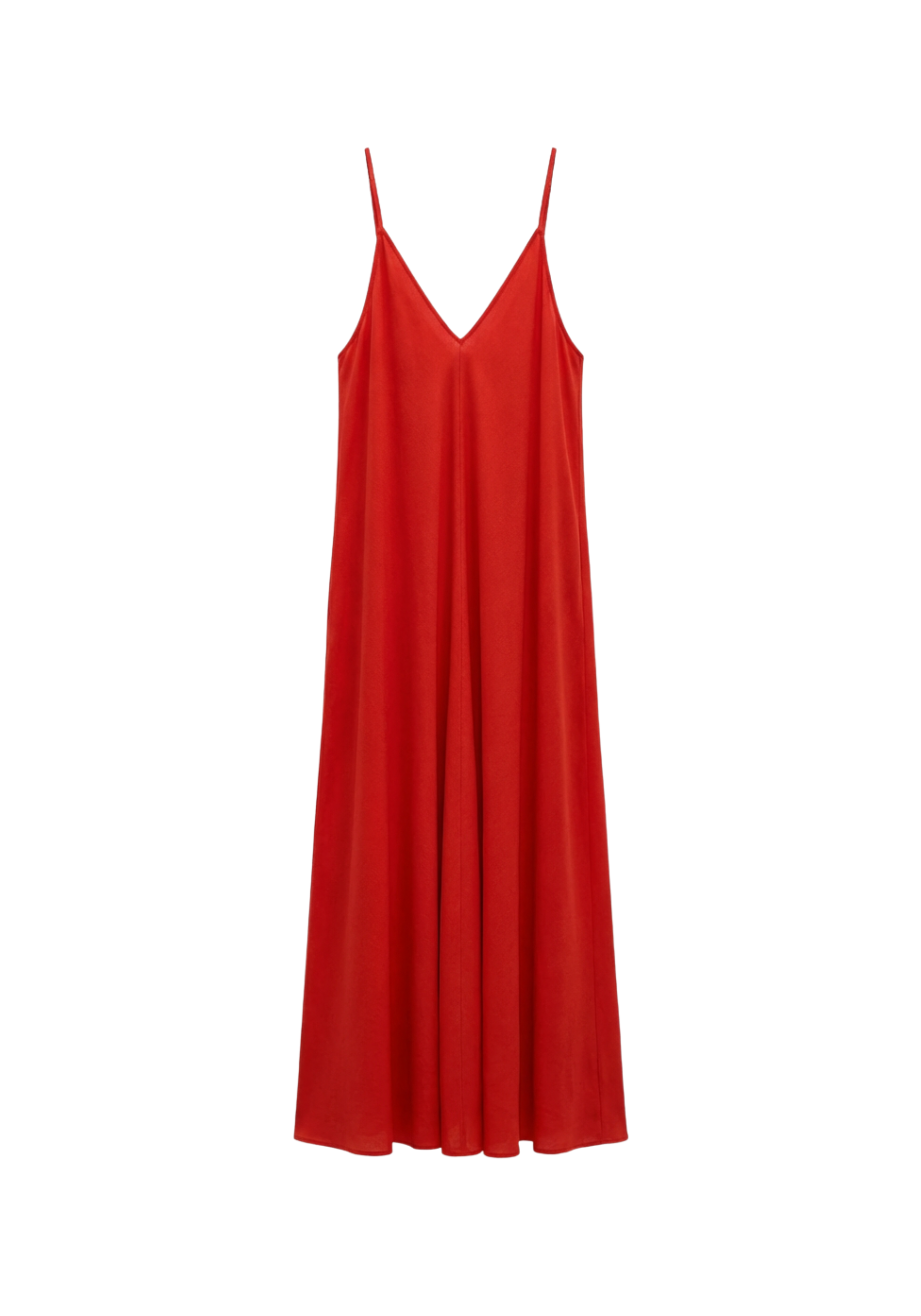
Start with a clean flat lay or mannequin shot. White or neutral background, even lighting, no wrinkles. This is the foundation — the better the input, the more realistic the output.
Generate your base model
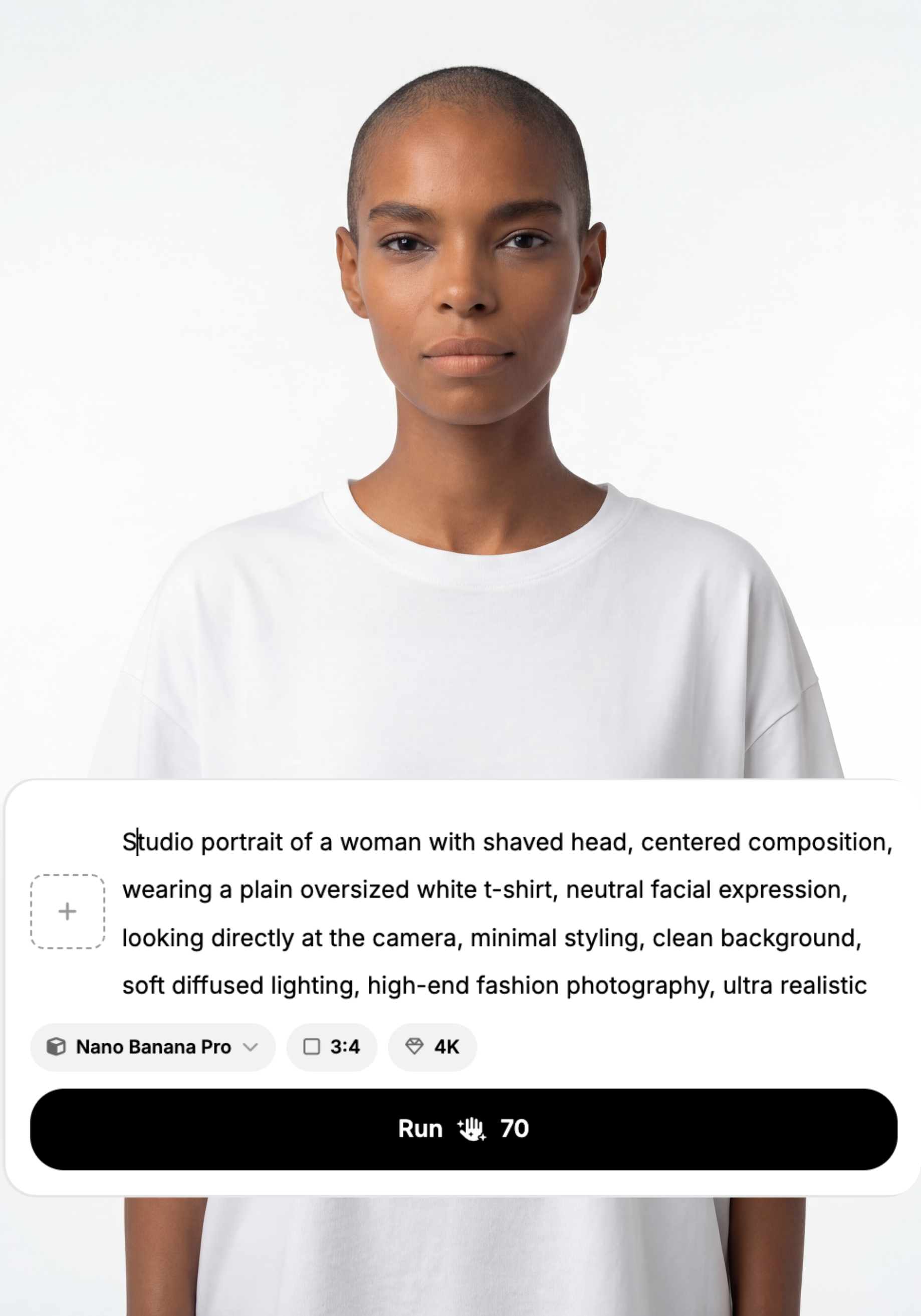
Go to image generation and create one strong base model. Be specific — define age, ethnicity, hair color, eye color, and skin tone clearly. Lock the facial structure and skin texture from the start. This is the face of your campaign, so get it right before moving on.
Studio portrait of a woman with shaved head, centered composition, wearing a plain oversized white t-shirt, neutral facial expression, looking directly at the camera, minimal styling, clean background, soft diffused lighting, high-end fashion photography, ultra realistic skin texture, 85mm lens, sharp focus, natural colors
Dress the model
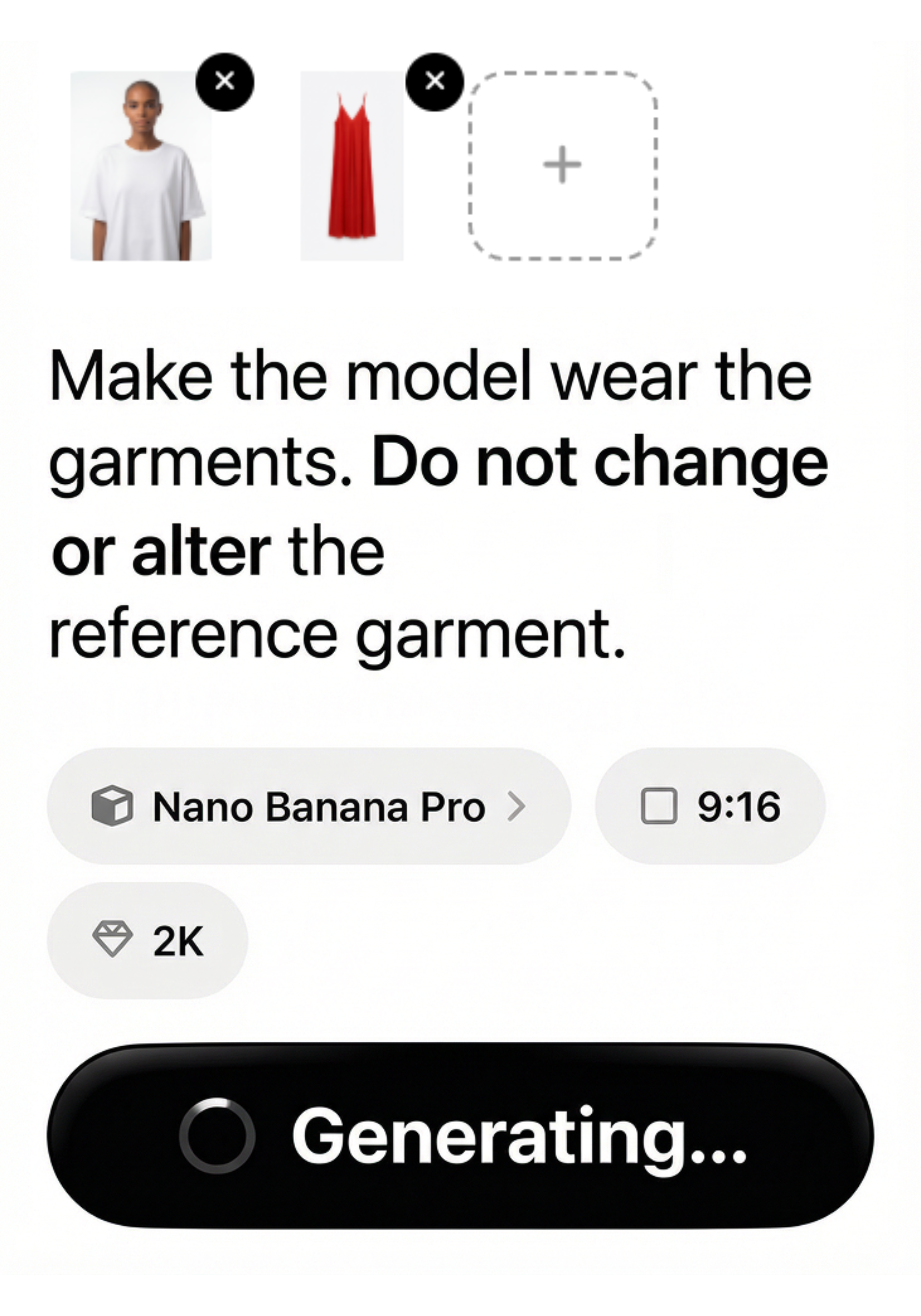
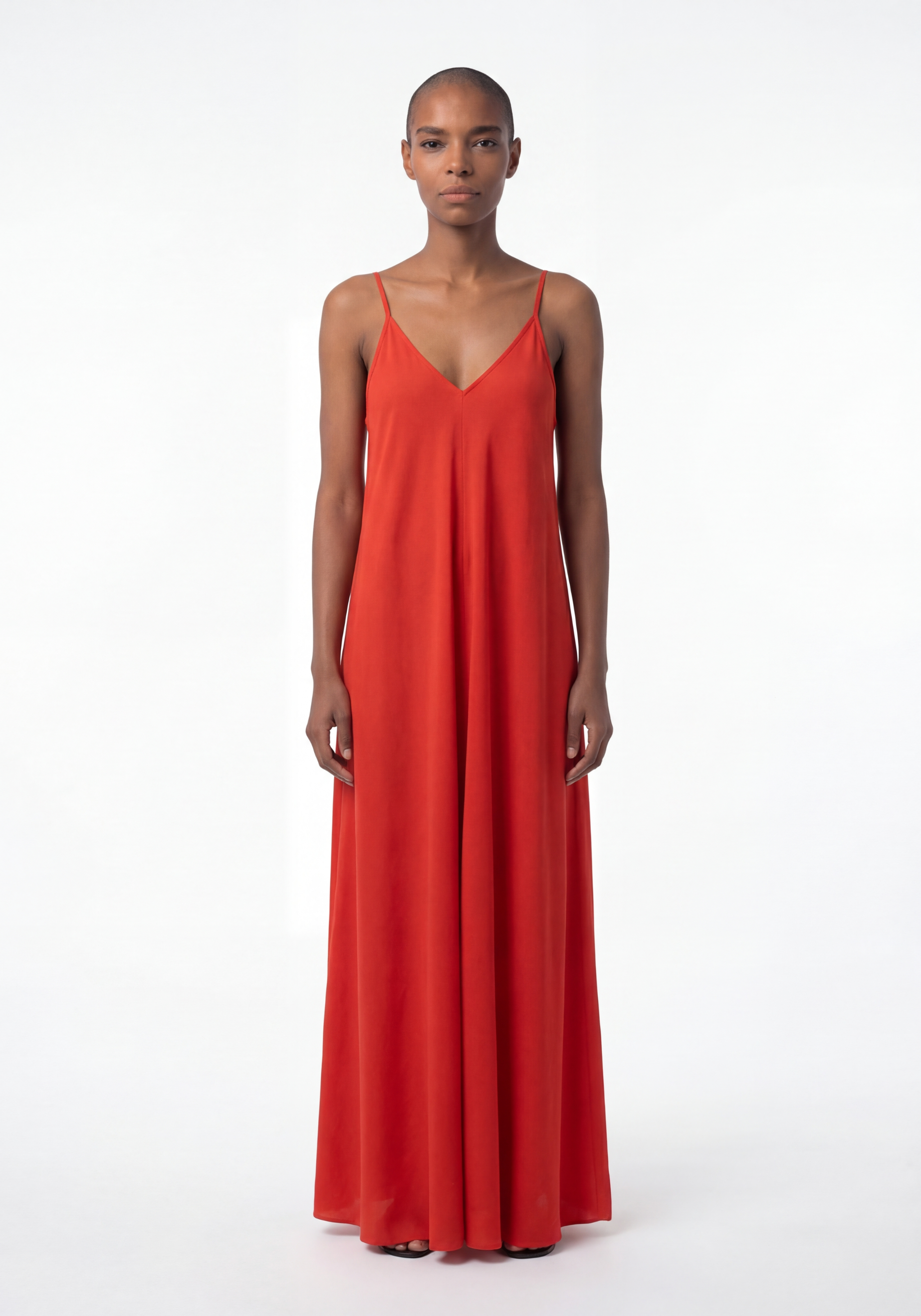
Upload your product image and put it on the model using AI Try-On. The face, body, and proportions stay locked — only the outfit changes. You go from a flat lay to a fully styled on-model shot in seconds.
Set the scene
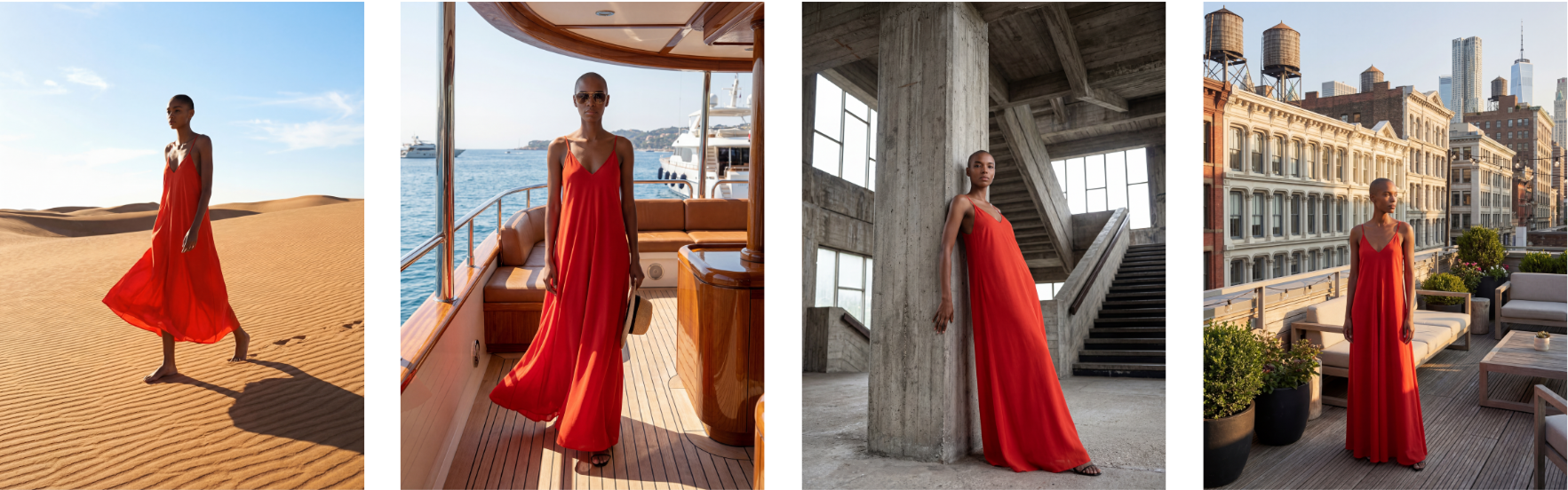
Keep the model and outfit locked. Now only change the world around her — the location, the lighting, the mood. A rain-soaked street at night, a sunlit rooftop, a brutalist studio with hard shadows. Describe the scene, and the AI places her there. This is where your campaign finds its identity.
Turn it into a video
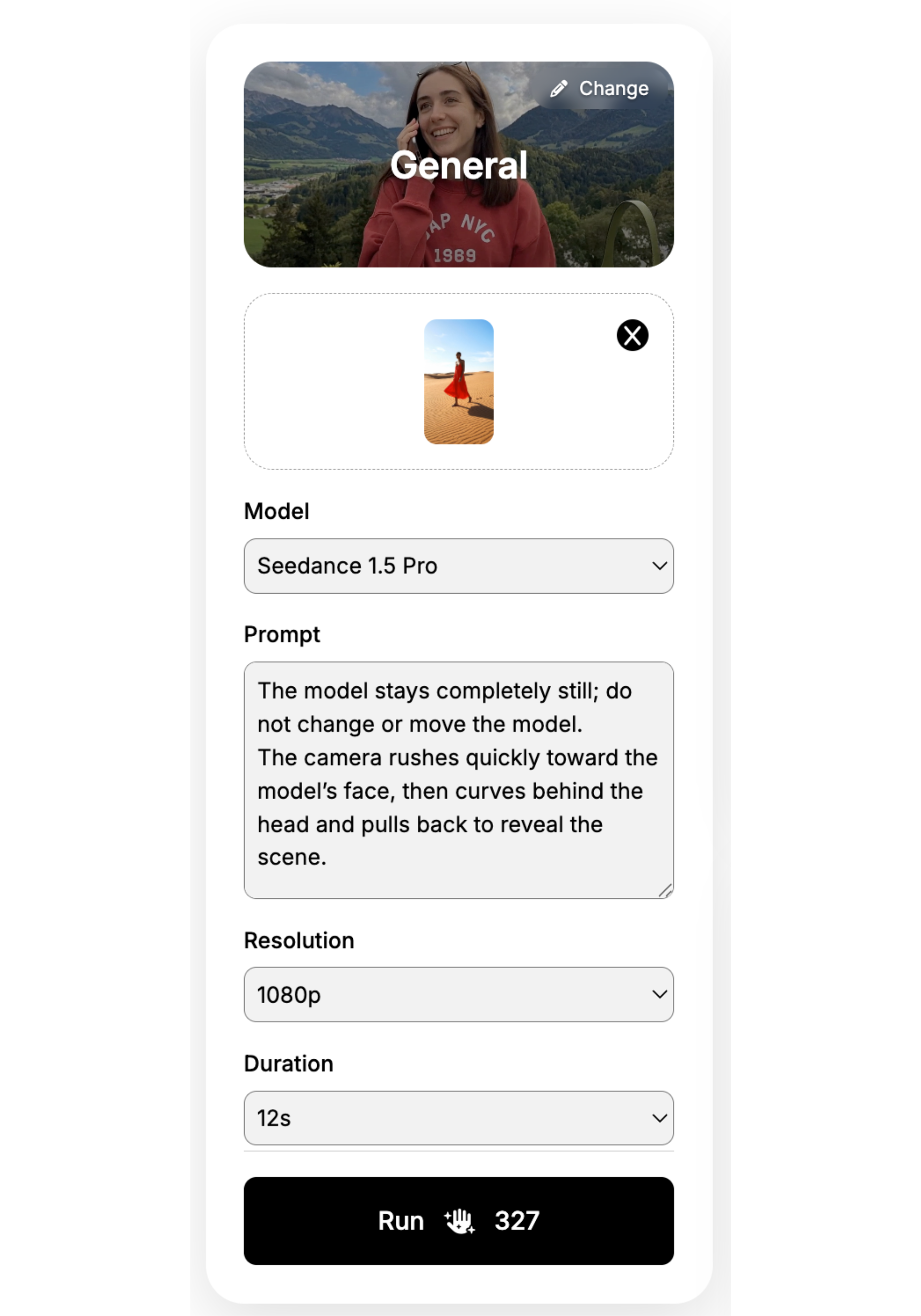
Pick your strongest image and upload it to video generation. Write your own prompt or use one from our prompt library — then hit Run. In a few seconds you'll have a campaign-ready fashion video. No filming, no editing, no post-production.
VOILA, YOUR CAMPAIGN IS READY!
Create your first realistic fashion image in minutes.
Join thousands of brands turning product photos into model imagery, videos, and campaigns.
Get started →